PhotoBucket Logo

PhotoBucket

Your Mac, your cloud – no limits, no leaks

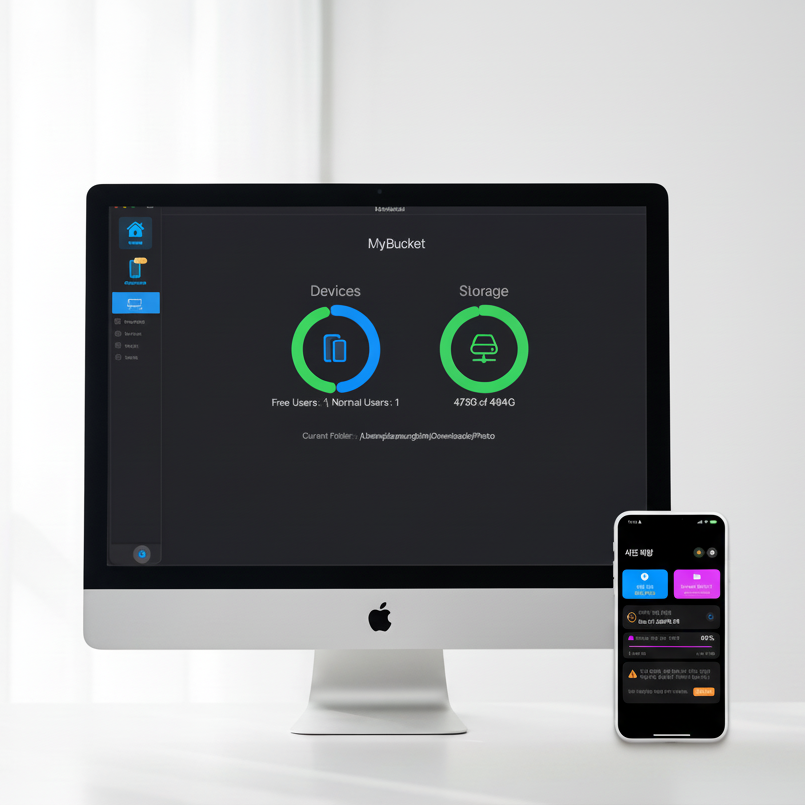
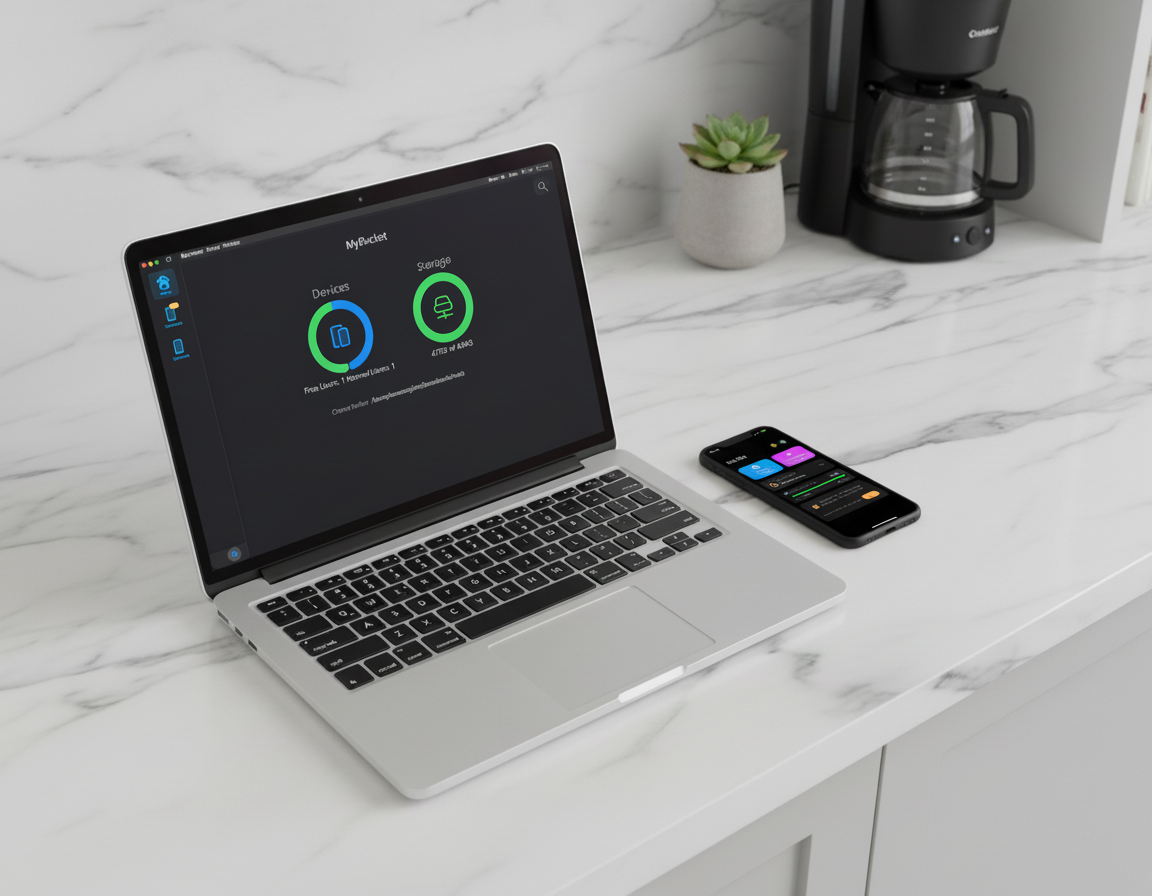
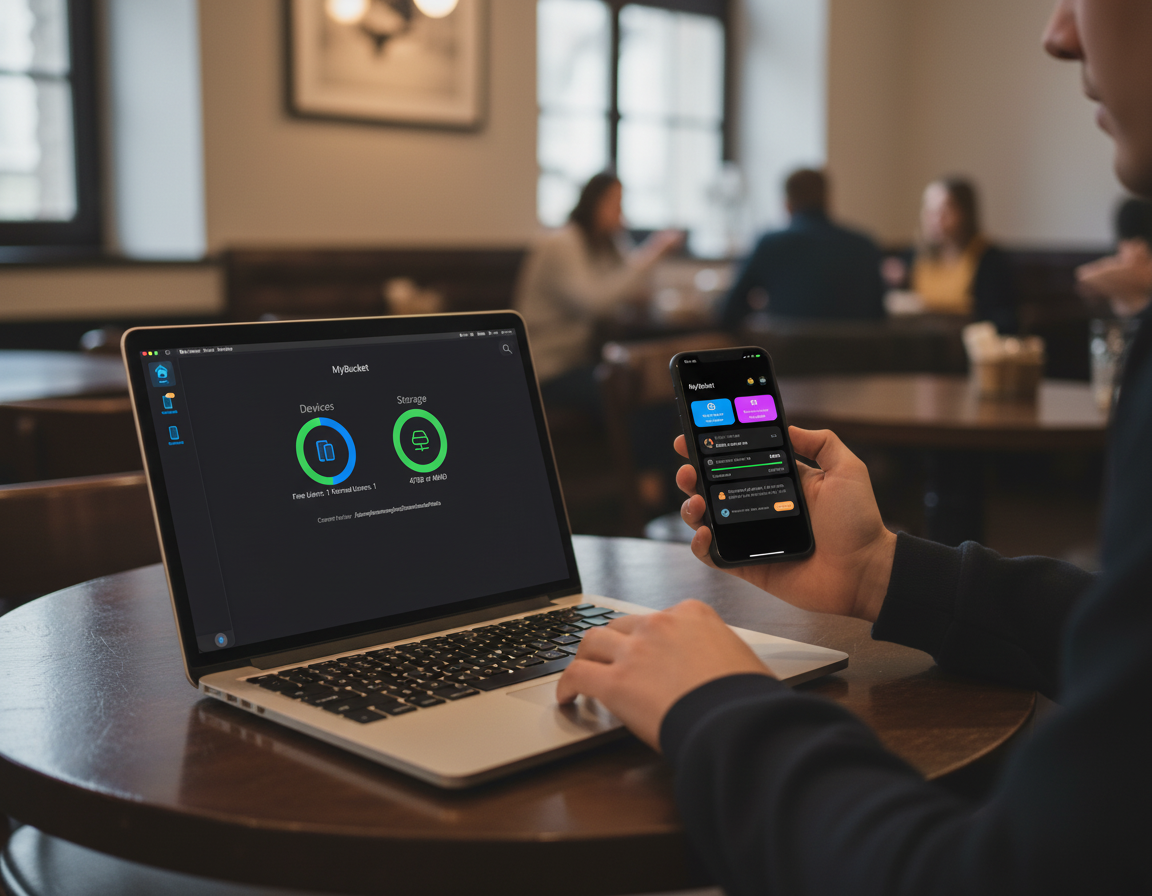
PhotoBucket turns your Mac into a secure, unlimited cloud.

  • ✓ My Mac to Unlimited Cloud
  • ✓ Complete blocking of external leak sources
  • ✓ The same feeling as the original
PhotoBucket App

Why PhotoBucket?

My Mac to Unlimited Cloud

My Mac to Unlimited Cloud

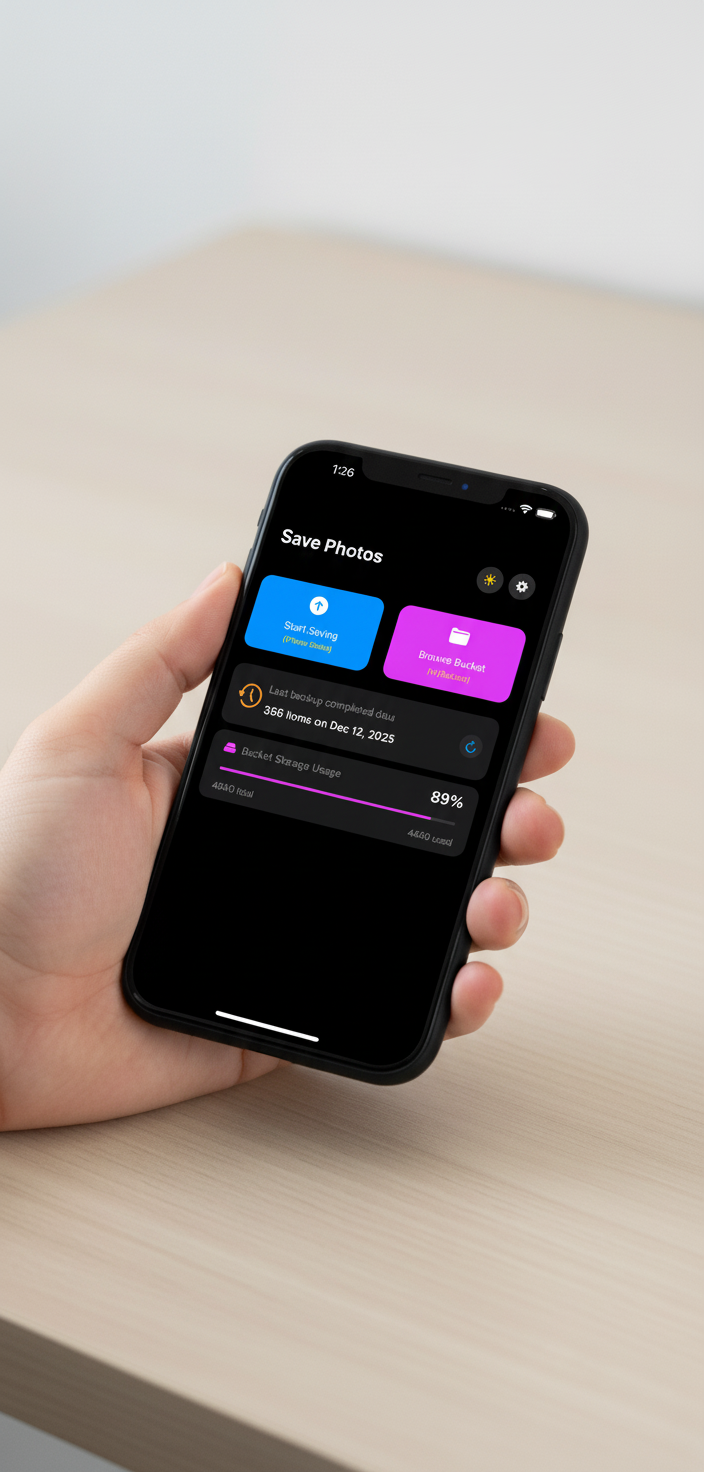
Organize your photos with ease. Upload your photos from your Mac and access them from your phone .

Privacy First

Complete blocking of external leak sources

Your photos are protected from external leaks. Your private photos are stored in a your mac that only you can access.

Unlimited Space

The same feeling as the original

Keeps your original videos and high-quality photos on your Mac forever, in their original format.
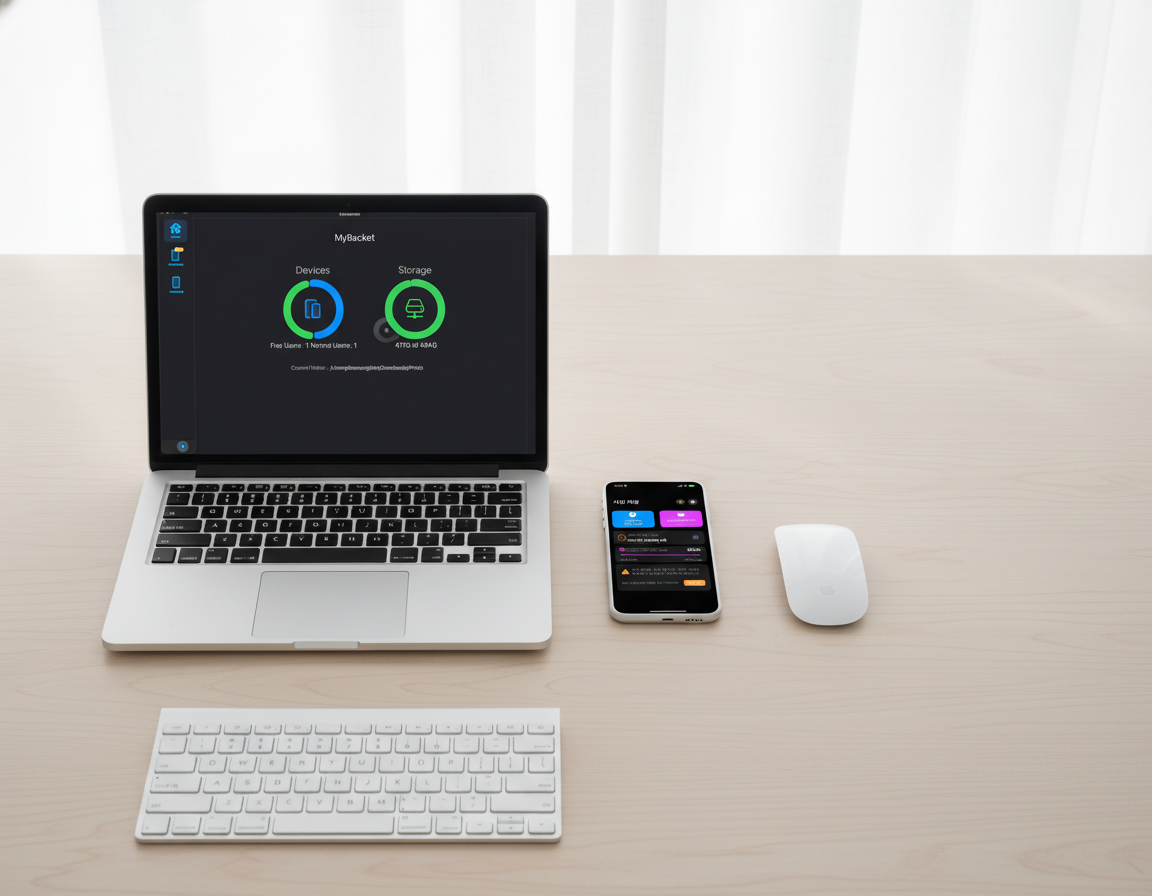
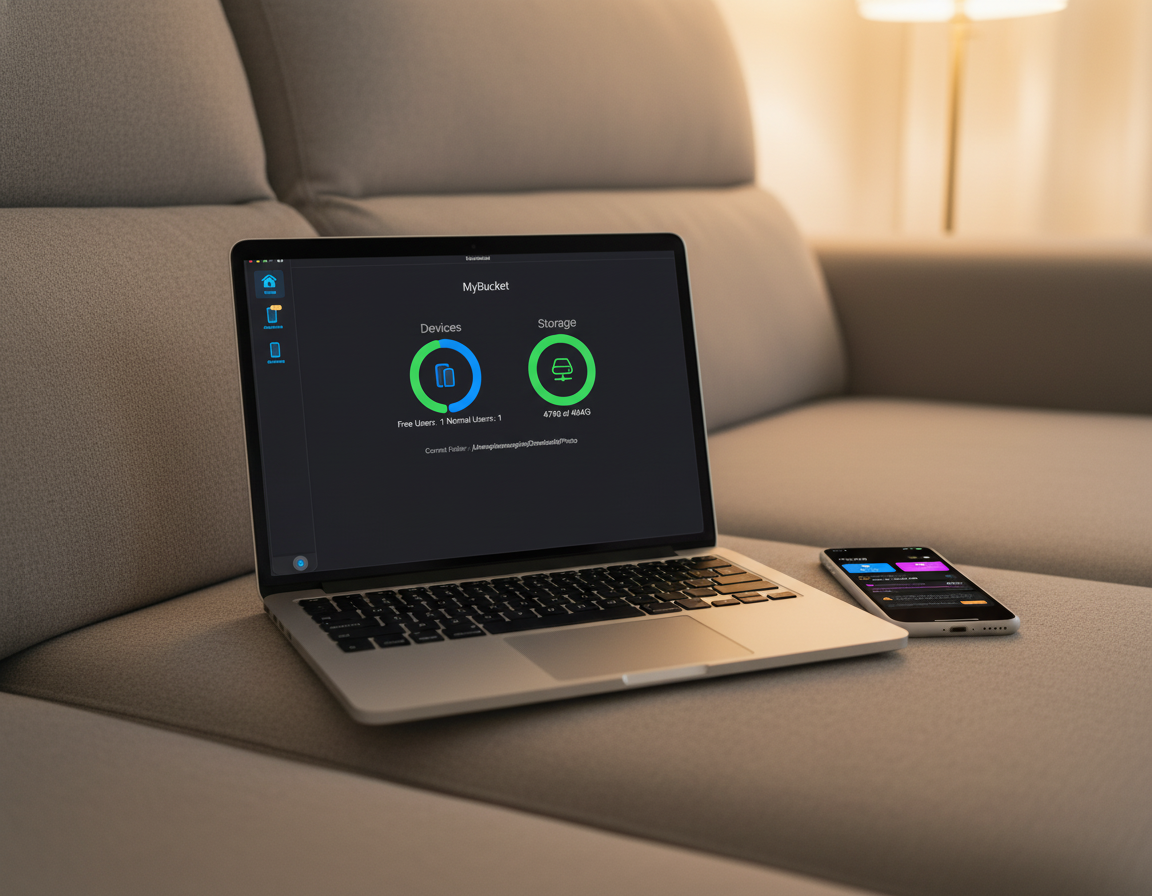
App Screenshots

Screenshots
Screenshots
Screenshots
Screenshots
Screenshots
Screenshots
Screenshots
Screenshots
Screenshots
Screenshots

Under the Hood

PhotoBucket isn't just a gallery; it's a powerful photo management ecosystem. Here are the technical details that keep your memories organized and secure.

Easy Wireless Connection & Auto-Discovery

This feature allows your iPhone and Mac to automatically recognize and connect to each other over the same Wi-Fi network, without cables.

  • One-Touch Search: Launch the app and press the "Scan for Bucket" button to automatically find Macs on the network.
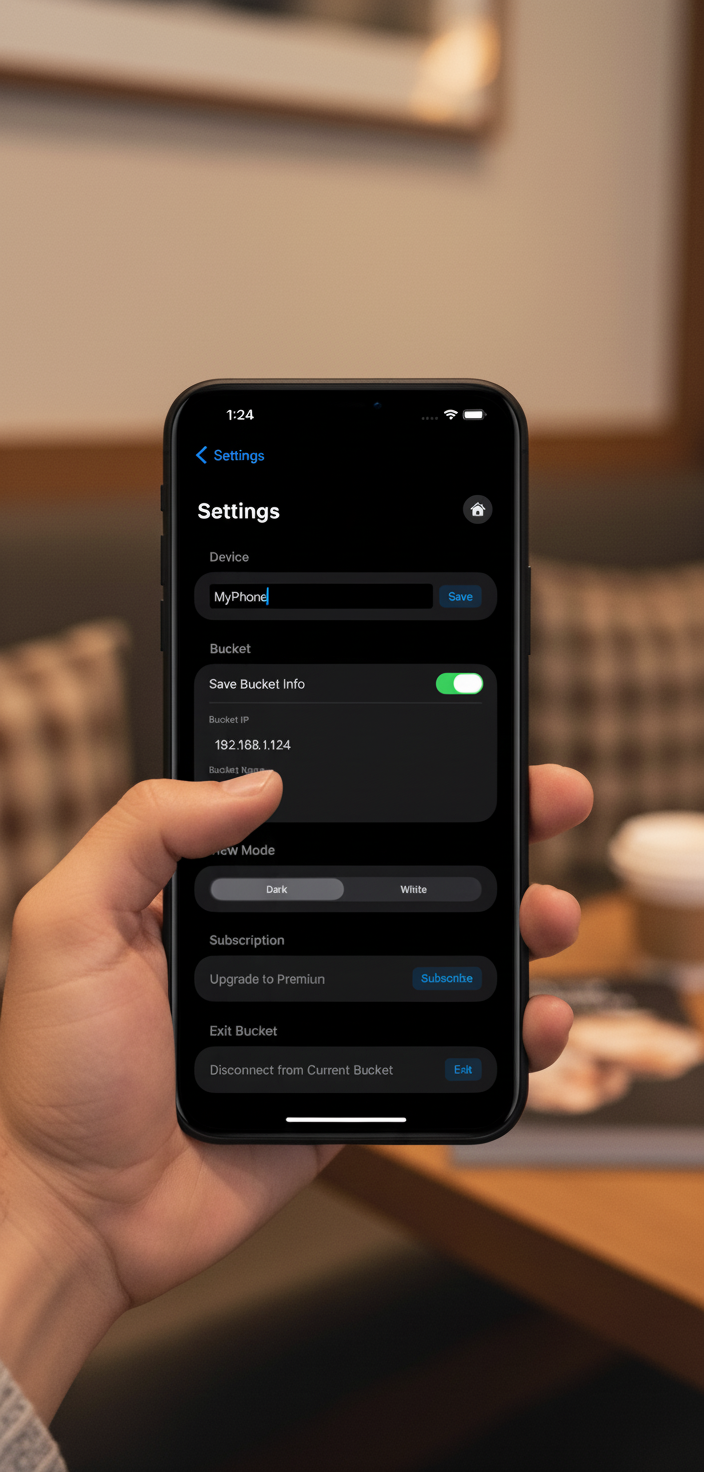
  • IP-Based Connection: Verifies the IP address and device name to help you connect to the correct device.
  • Secure Connection: Uses local network permissions to bypass external internet servers, ensuring high security.

One-Click Backup

Transfers new photos and videos from your iPhone to your Mac with the push of a button, without complex setup.

  • Automatic Detection: Remembers the last backup time and notifies you of new items not yet saved.
  • Real-Time Progress: Displays filenames and progress bar. You can stop the backup at any time.
  • Fast Local Transfer: Uses local Wi-Fi bandwidth for fast and reliable transfer of even large files.

Bucket Tour (Smart Viewer)

View photos stored on your Mac, just like viewing a gallery on your iPhone, even after transferring them.

  • Automatic Sorting: Organized by year/month/day (e.g., 2007, 2012, 2025).
  • Grid View: View photos from a specific date in a thumbnail grid remotely.
  • Time Travel: Easily access photos from 10 or 20 years ago.

Storage Dashboard

Monitor and manage the hard disk status of a connected Mac (Bucket) in real time within the iPhone app.

  • Intuitive Capacity Graph: Displays current usage and remaining space at a glance.
  • PC Resource Utilization: Uses your PC's physical disk, allowing affordable expansion via external drives.
  • Backup History: Displays the "Recent Backup Completion Date" and number of saved items.

Original Quality Preservation

Choose the storage quality of photos and whether to back up videos depending on your needs.

  • Free vs. Premium: Free backs up "small-sized" photos; subscription enables original-quality backup.
  • Video Backup: Backup large video files to your Mac via subscription.
  • Reasonable Model: Build an unlimited original backup environment at a lower cost than cloud storage.